Can a landowner stop me flying from here?
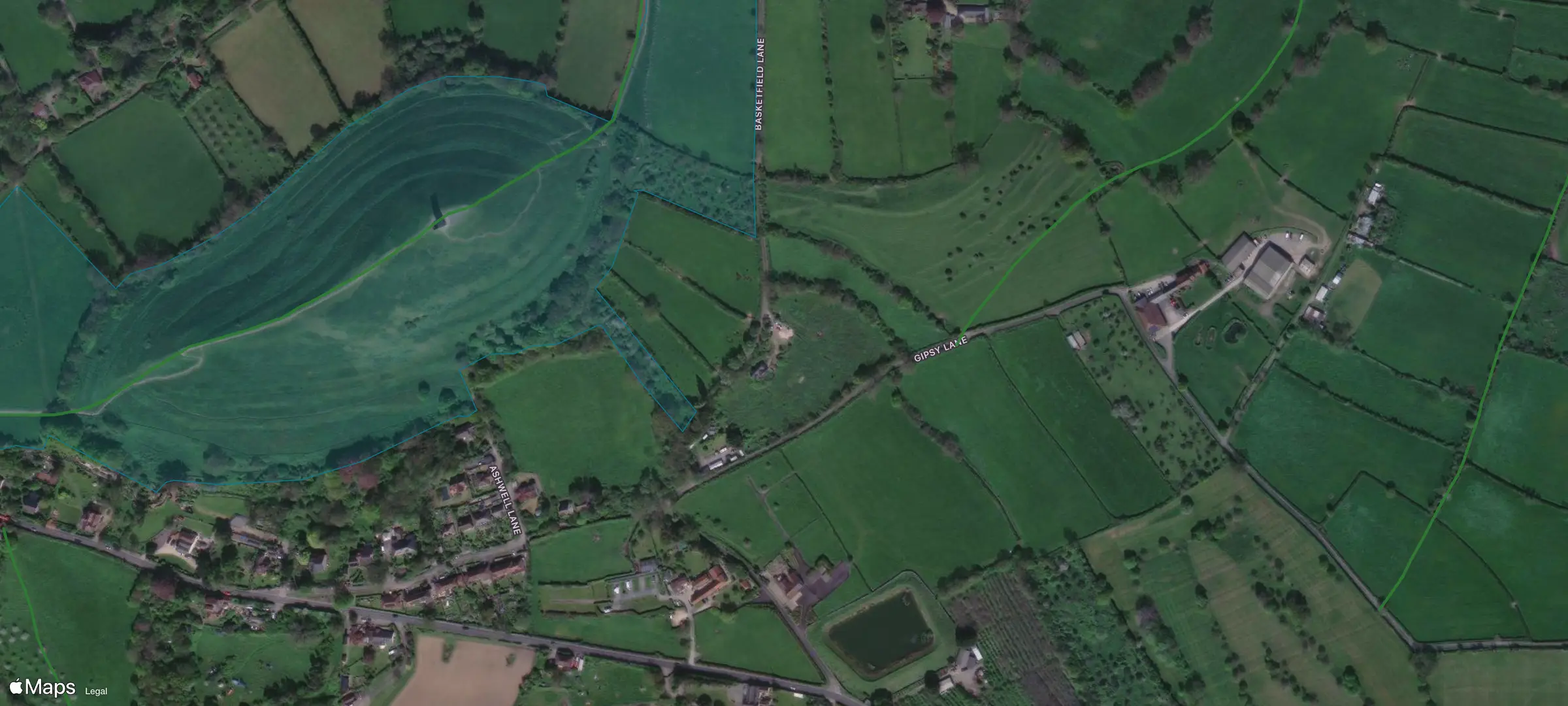
A landowner can ban take-off where the airspace has no restriction. National Trust byelaws need the Trust's permission to take off or land a drone on its land, Glastonbury Tor included. In FPV Airspace, the land rules under a spot sit alongside the zones above it.
£2.49 a month or £19.99 a year after the free week; cancel any time. One subscription covers the apps, the web map and your AI assistant.
- Take-off
- Restricted by the landowner. National Trust byelaws ban taking off or landing a drone on Trust land without its permission.
- Airspace
- No restriction in our data. UK danger areas are not in it yet, so the app does not call the spot clear.
- Path
- Public footpath 15/11, 45 m (Somerset)
- Parking
- Car park, 353 m
- Hazards
- A361 trunk road, 313 m
Checked at 10:03 UTC on 2 October 2026.
See what stops you flying there, and where each rule comes from
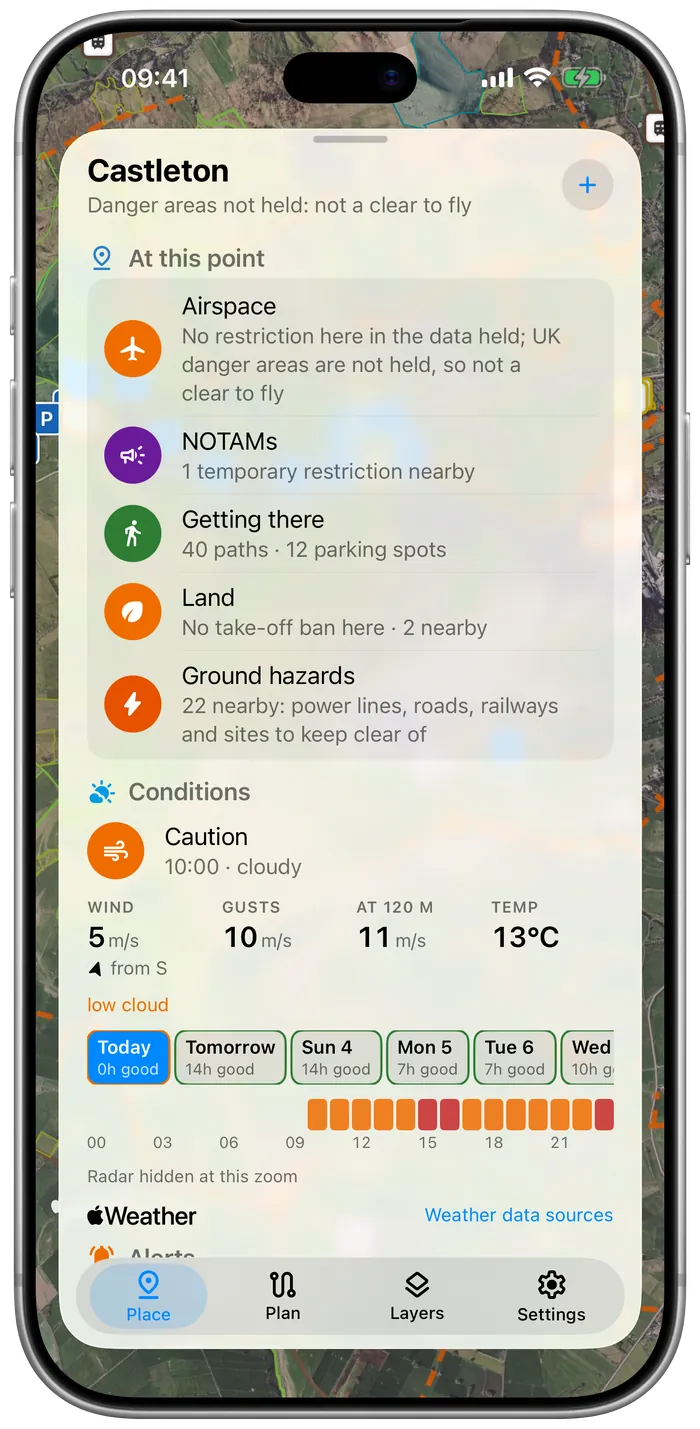
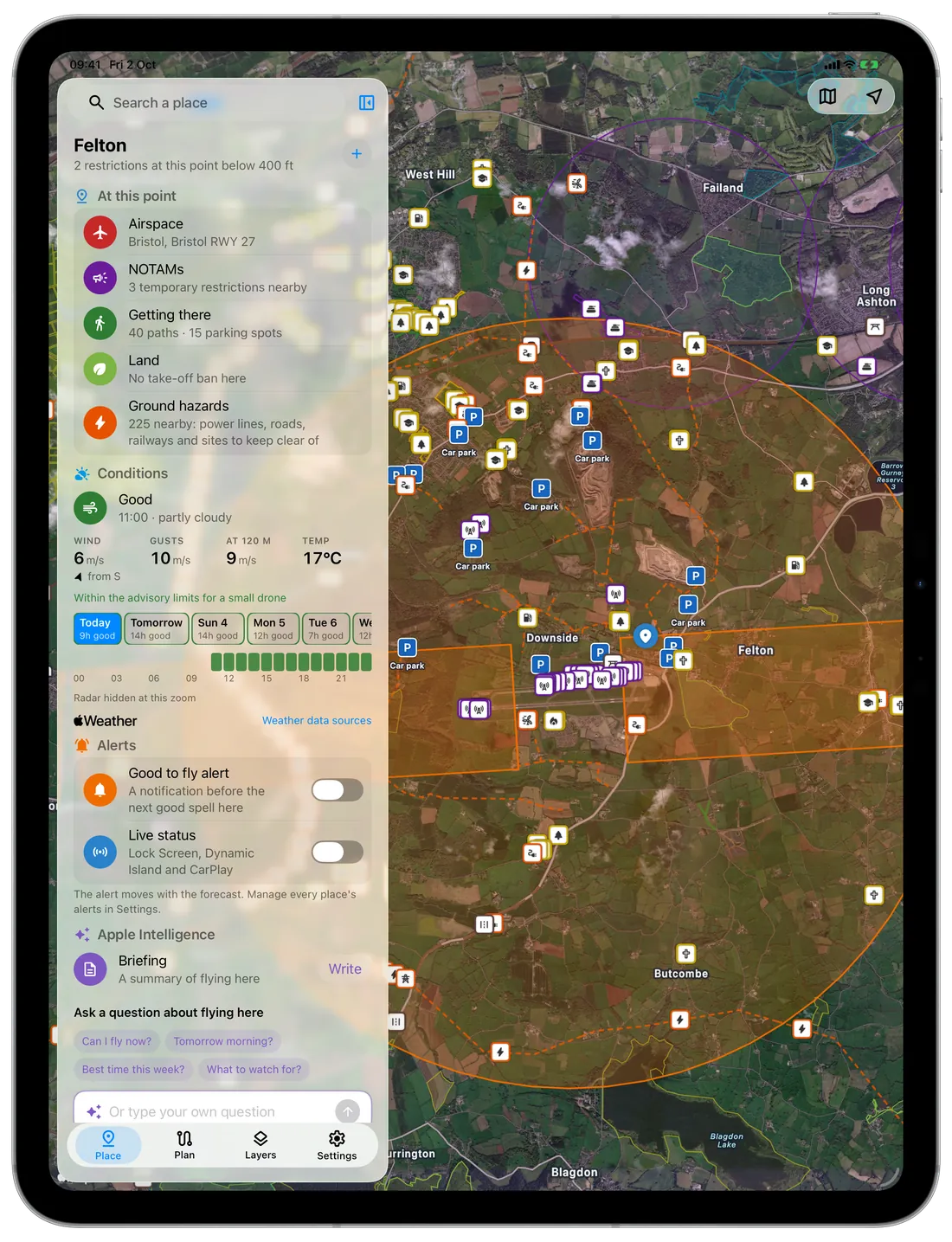
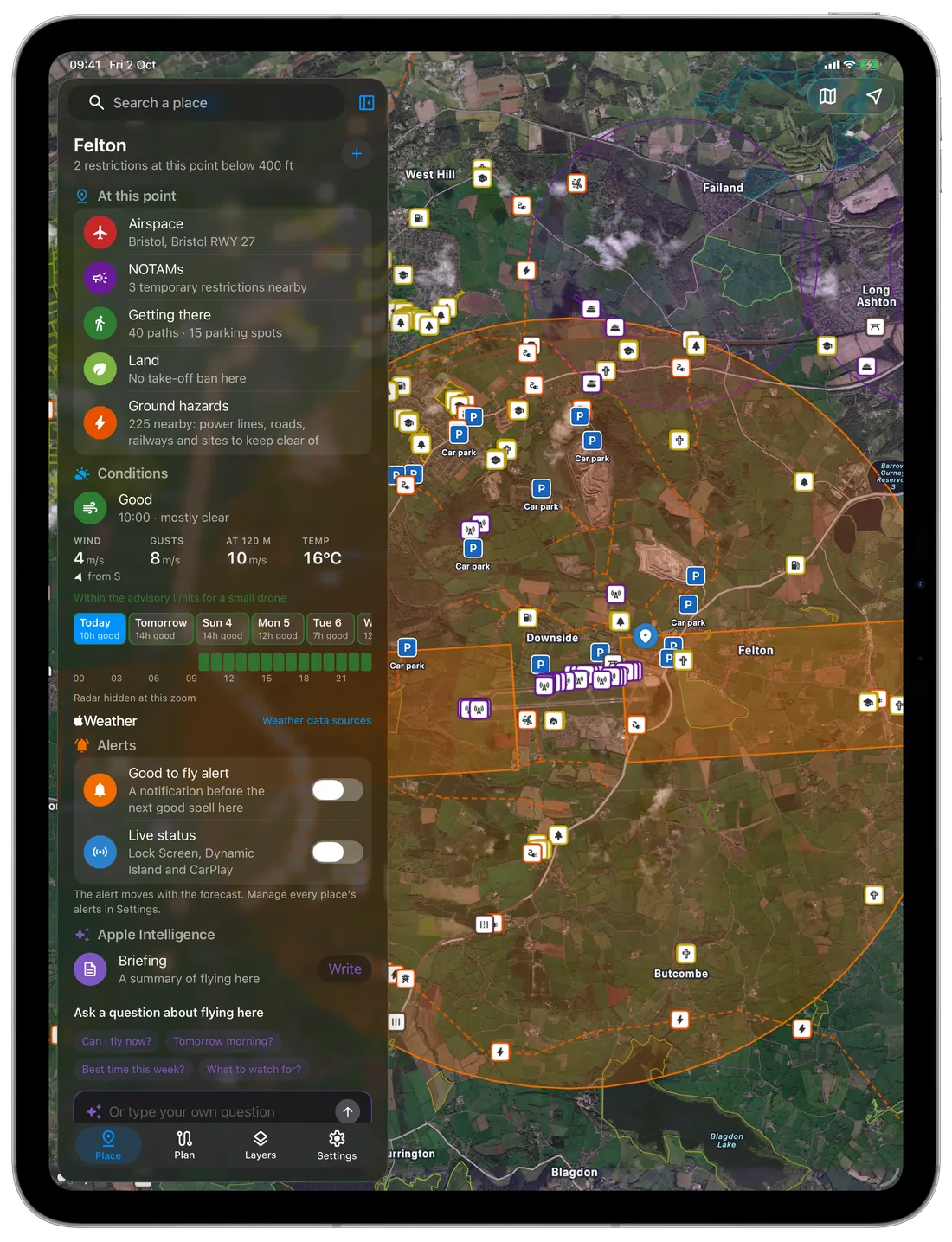
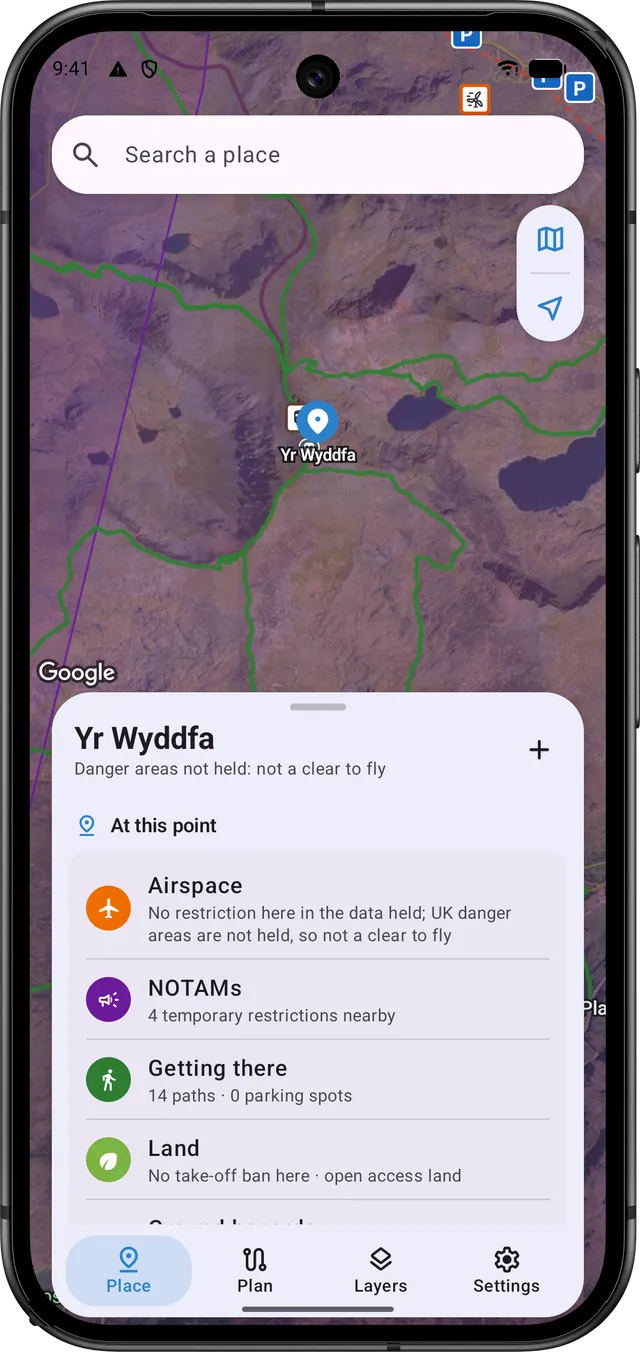
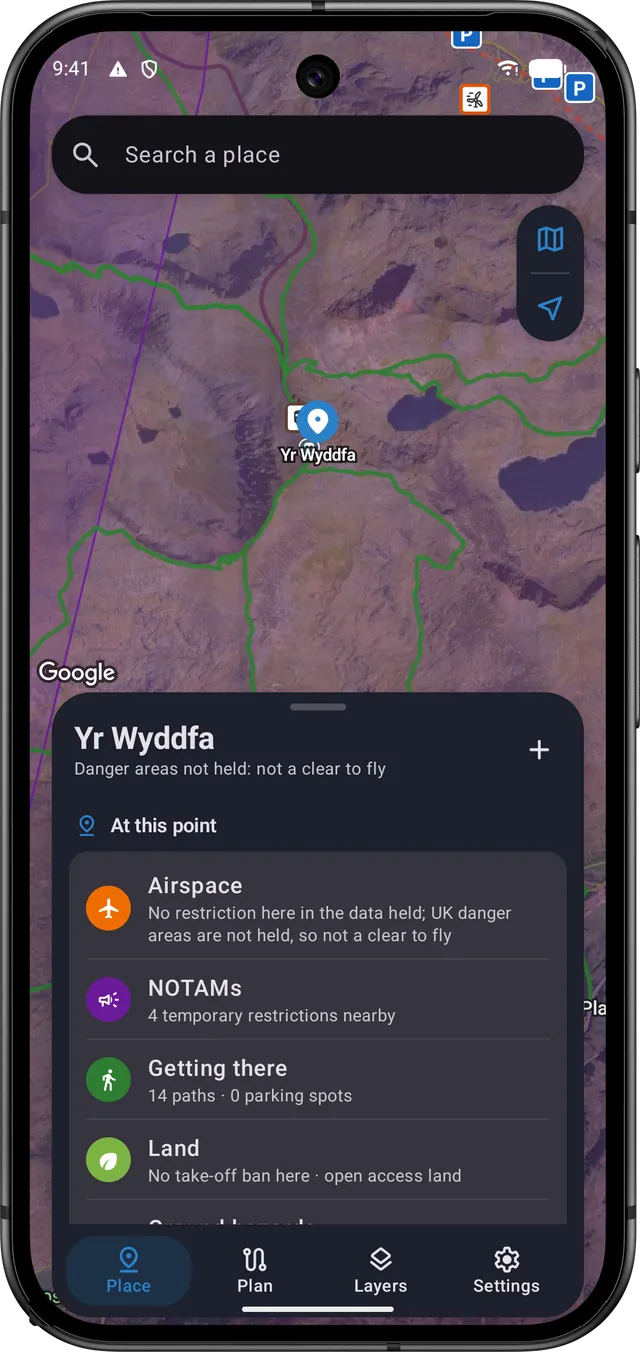
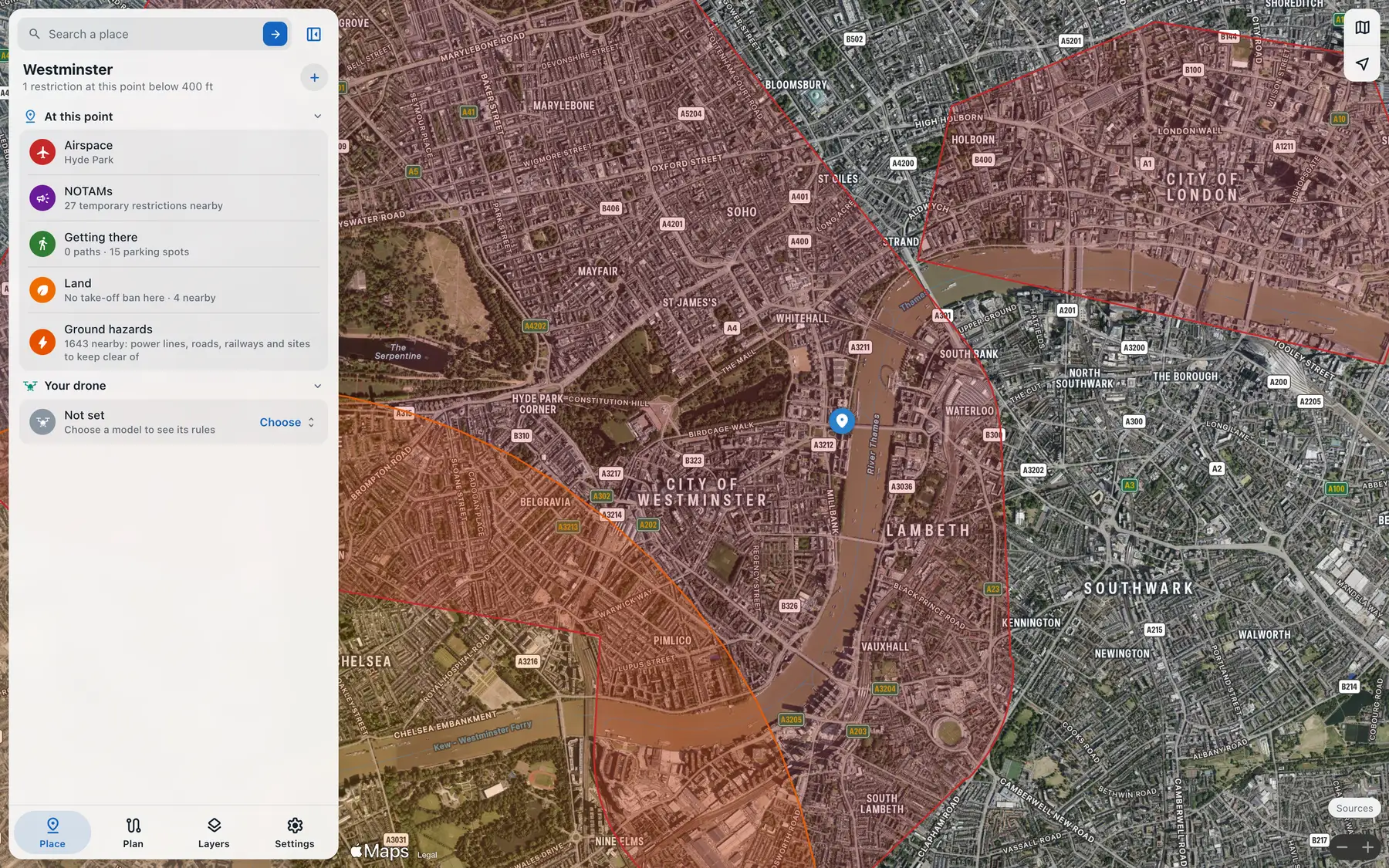
Tap the map, or search for a place, an address or coordinates. The card tells you whether you can take off there, and every line names its source, so you can check it yourself.
Airspace
Each zone over the spot, with its height limits, who can give permission and the law or authority that sets it. Where our data lacks a kind of zone (UK danger areas, for now), the card says so and never calls the spot clear.
Getting there
Rights of way and car parks, nearest first. A right of way lets you pass along it, which isn't the same as permission to fly from it.
Land
Landowners and councils can stop you taking off where the airspace allows it. You see National Trust and Forestry England land, council byelaws and protected nature sites, and whether you're on open access land.
Ground hazards
Power lines, railways, roads, masts and substations near the spot, from OpenStreetMap, so you can pick a take-off point away from them.
Is the wind at 120 m (400 ft) too strong for your drone?
You get the wind and gusts at the ground and at 120 m, with rain, cloud and visibility, for every hour of the coming week. Each hour is rated good, caution or poor against a small drone's limits, or your own drone's once you choose it, with the reason whenever it isn't good.
| Hour | 05 | 06 | 07 | 08 | 09 | 10 | 11 | 12 | 13 | 14 (now) | 15 | 16 | 17 | 18 | 19 | 20 | 21 |
|---|---|---|---|---|---|---|---|---|---|---|---|---|---|---|---|---|---|
| Rating | good | good | good | good | good | good | good | good | good | good | good | good | good | good | good | good | good |
| Wind | 1.2 | 1.1 | 1.1 | 1.2 | 1.3 | 1.4 | 2.5 | 3.1 | 3.5 | 3.3 | 3.5 | 2.6 | 2.2 | 1.3 | 1.4 | 1.4 | 1.5 |
| Gusts | 2.3 | 2.3 | 2.1 | 2.2 | 2.7 | 2.9 | 4.4 | 5.4 | 6.1 | 6.3 | 6.2 | 6.4 | 4.4 | 3.9 | 2.8 | 2.7 | 3.0 |
| Wind, 120 m | 3.4 | 3.3 | 2.6 | 2.6 | 3.2 | 3.0 | 2.9 | 3.8 | 4.5 | 4.7 | 5.9 | 6.2 | 6.3 | 4.6 | 5.0 | 4.9 | 5.1 |
| Rain chance, % | n/a | n/a | n/a | n/a | n/a | n/a | n/a | n/a | n/a | n/a | n/a | n/a | n/a | n/a | n/a | n/a | n/a |
- Good
- Caution: close to a small drone's limits
- Poor: beyond them
Every hour shown is good for a small drone.
Draw a waypoint flight and load it into DJI Fly or Litchi
Tap waypoints onto the map, then set each one's height, camera tilt and hover time, and a point for the drone to face. The route is checked against the airspace while you draw, and any waypoint inside a zone is flagged.
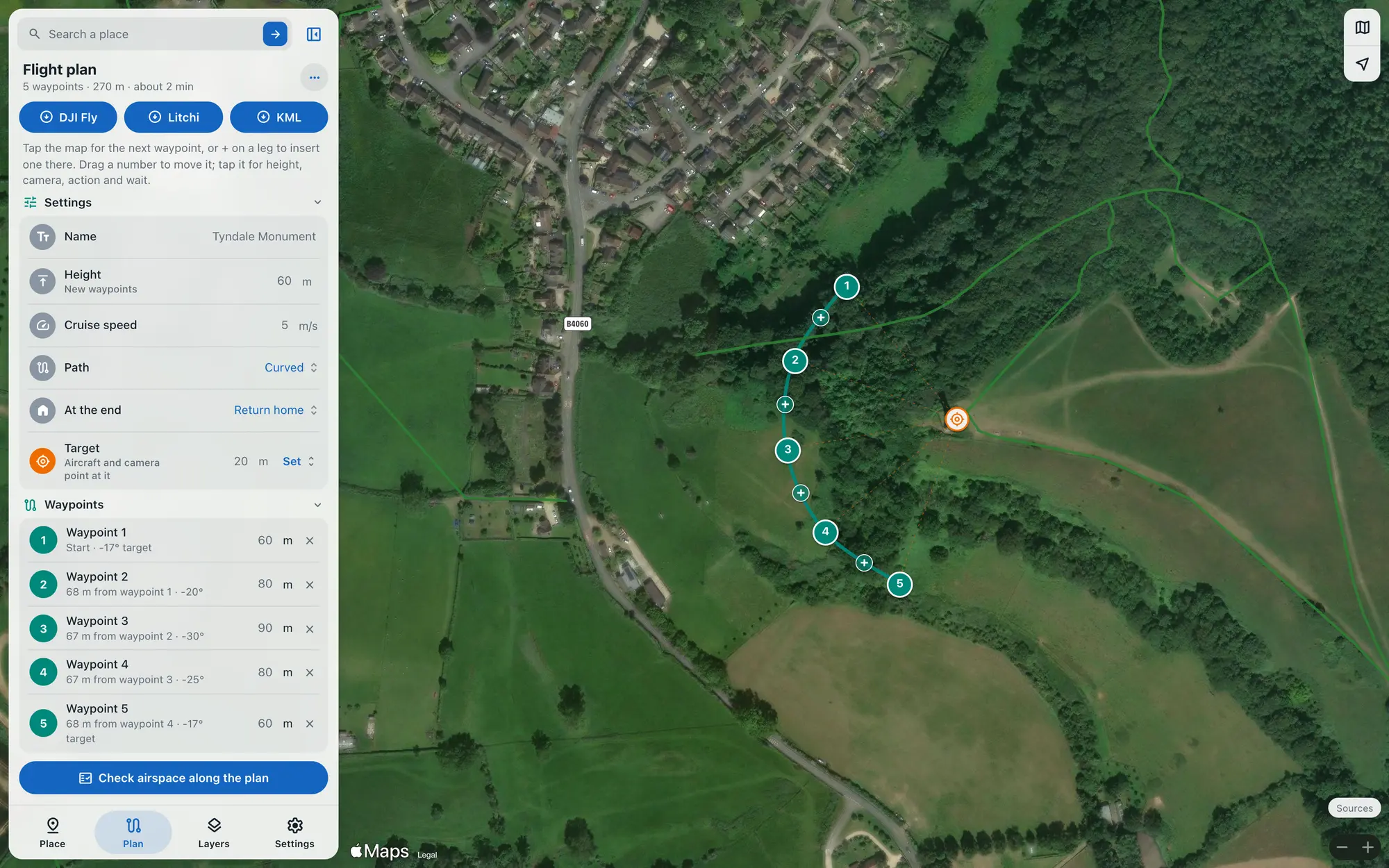
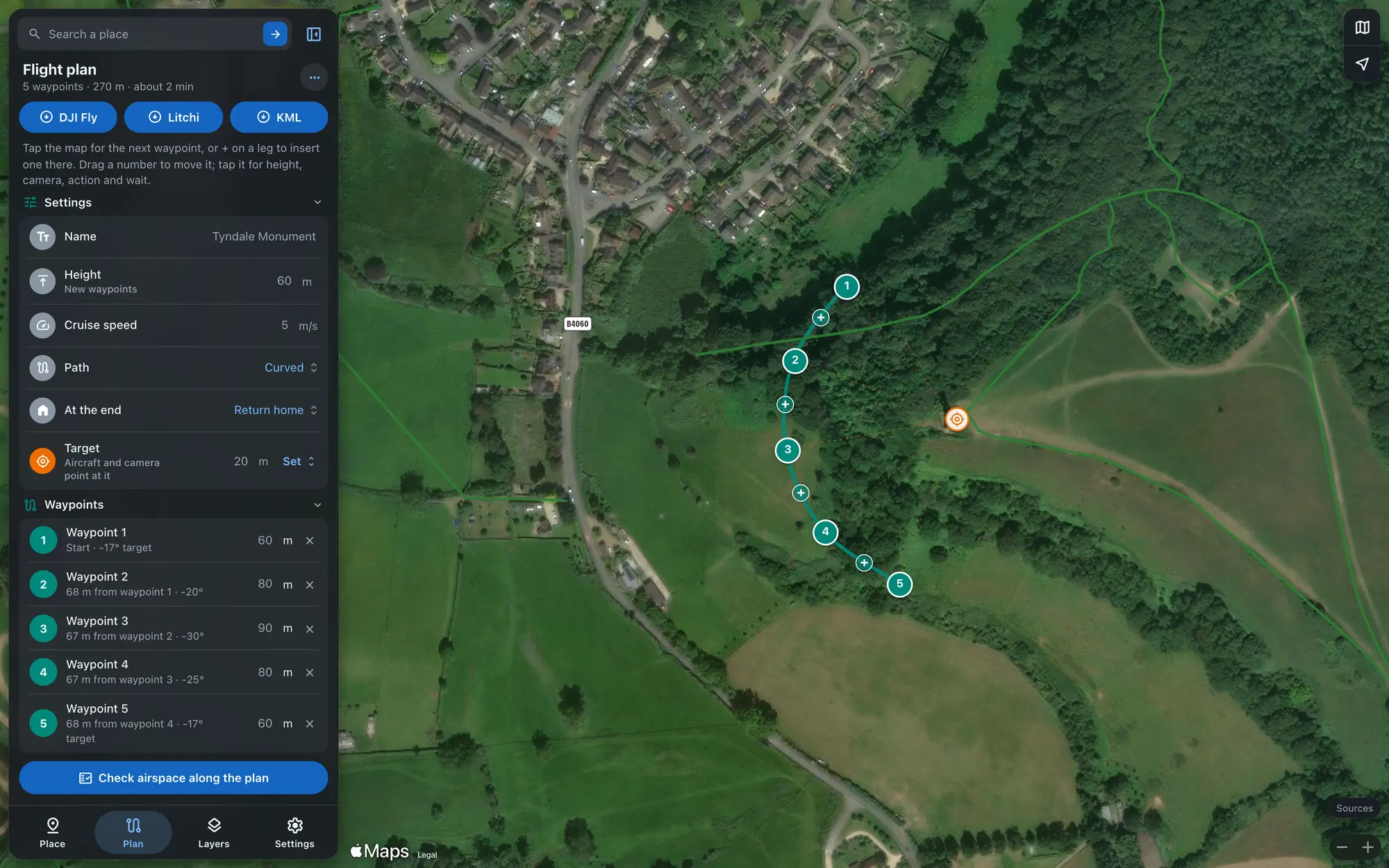
| For | File | How it goes in |
|---|---|---|
| DJI Fly | Waypoint mission, KMZ | DJI Fly has no import button, so the file replaces a mission you've already saved. FPV Airspace takes you through it step by step. |
| Litchi | Mission Hub, CSV | Import it in Litchi's Mission Hub, then open the mission in the Litchi app. |
| Google Earth | KML | Look over the route in 3D, or send it to someone. |
Plan the night before and check again at the gate
You get the same answers on your phone, tablet and computer, and on the car's screen through CarPlay and Android Auto.
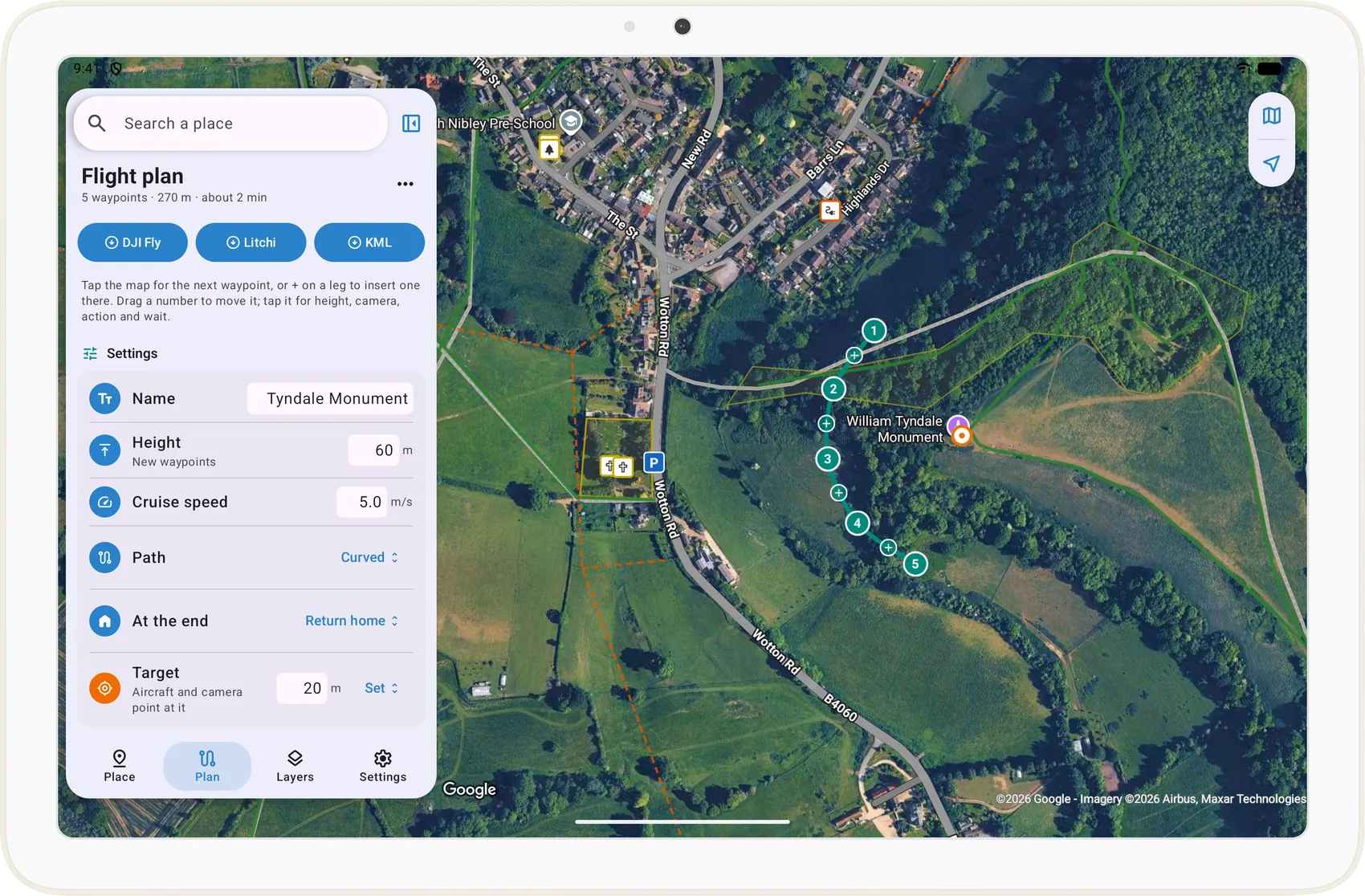
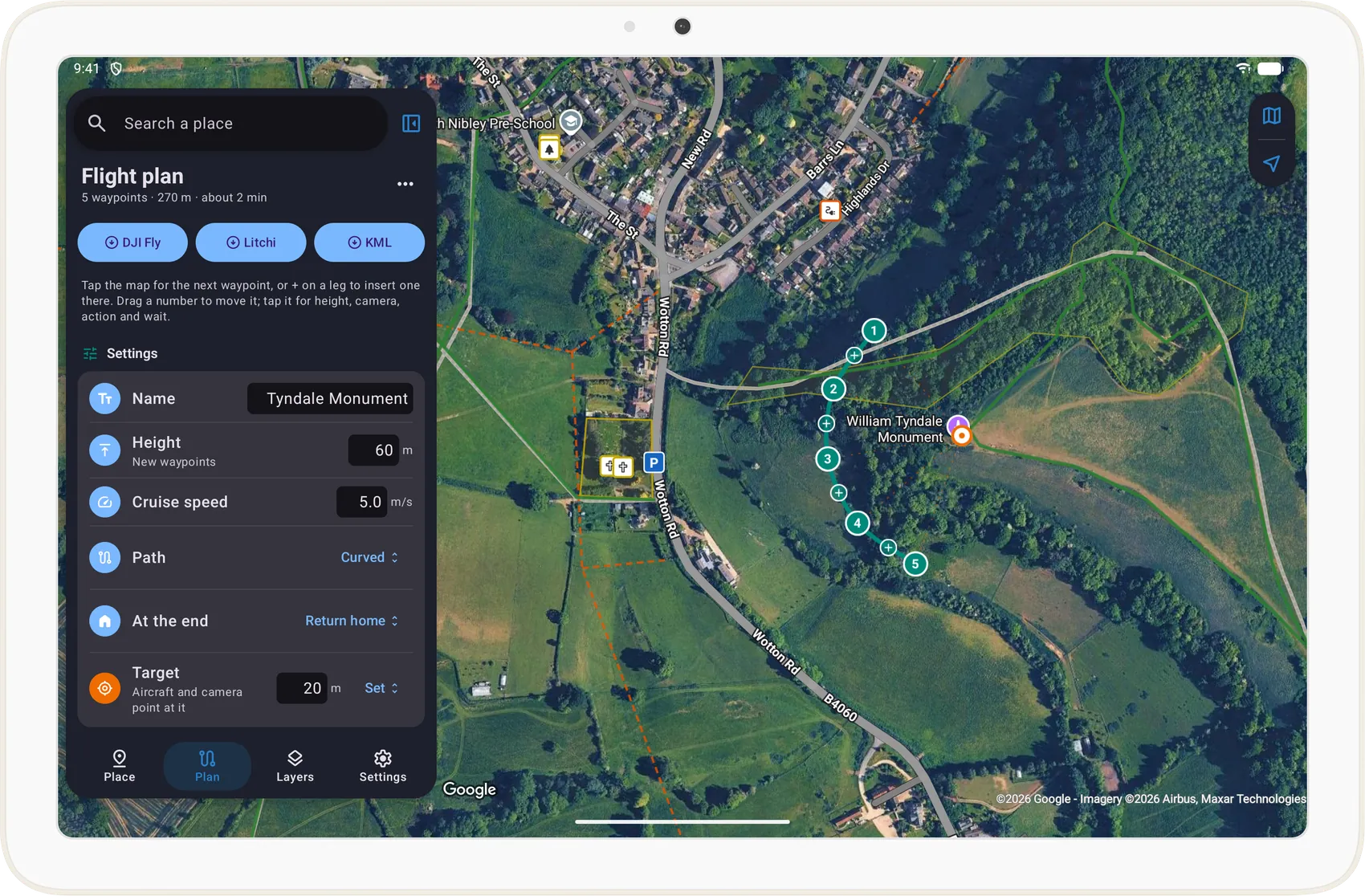
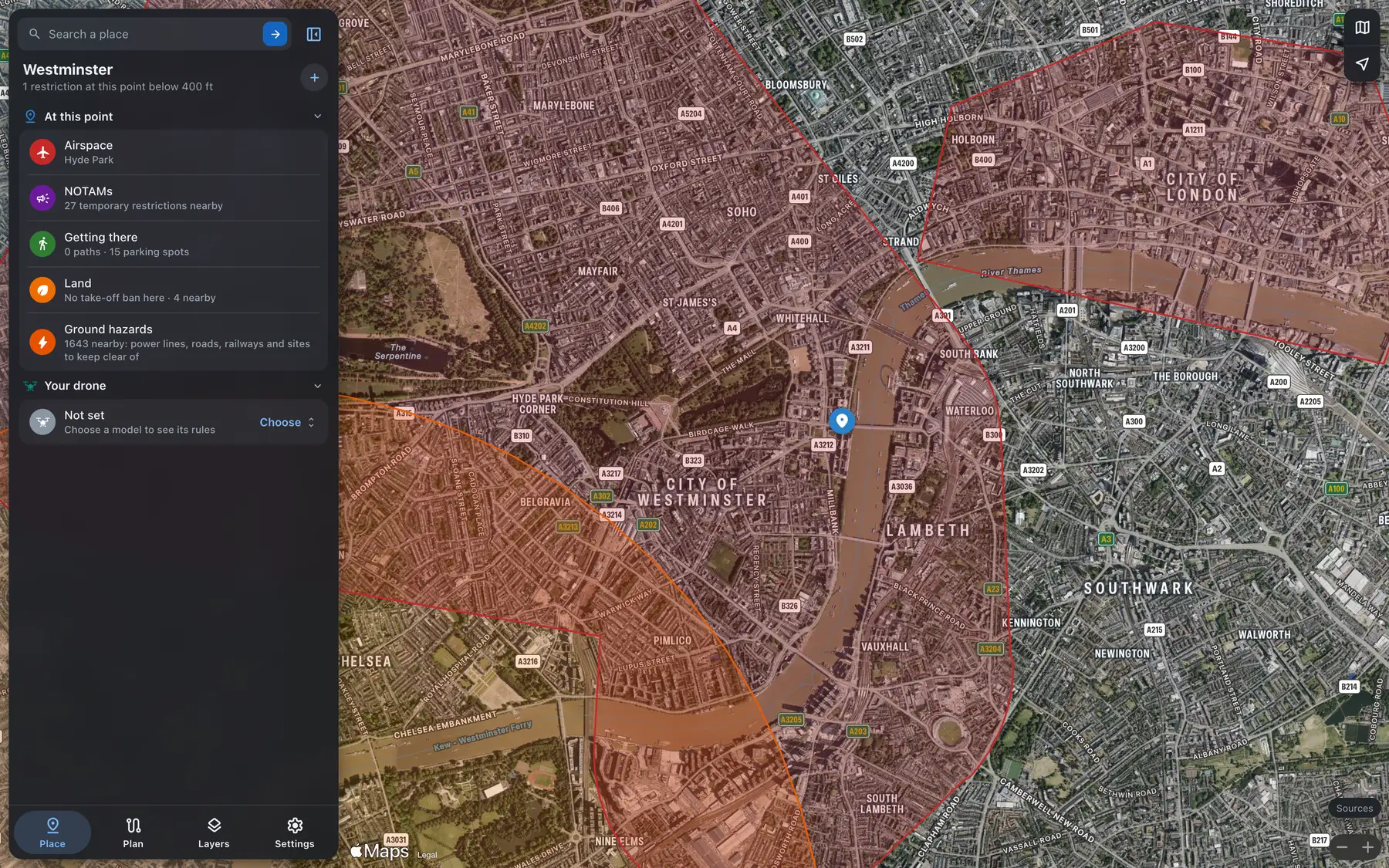
- iPhone and iPad
- Mac with Apple silicon
- Android phones and tablets
- CarPlay and Android Auto
- Lock Screen, Dynamic Island and Live Updates
- Home Screen widgets
- An alert before the next good spell of flying weather
- Briefings written on your phone by Apple Intelligence or Gemini Nano
- The web map in any browser, drawn on Apple Maps
- AI assistants, over MCP
Find where other pilots fly, and share your own
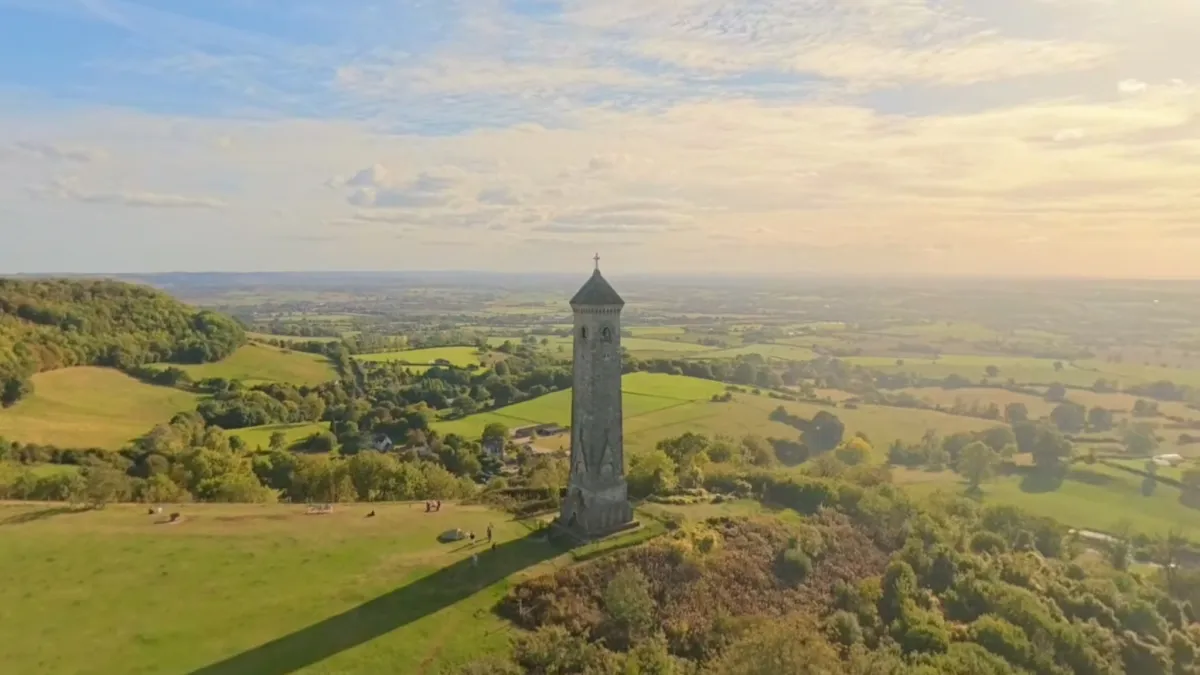
Members share the places they fly, the way a club's where-to-fly thread does: why it's good, how to get there and where to park, with photos and videos from their flights. Each spot shows on the map, with our own check of the rules there beside what the member wrote.
Opening soon
 1 / 10
 FPV_AirspaceShared 4 Oct 2026
Open grassy knoll on the Cotswold edge with the monument on top, and a long view west over the Severn Vale to the Forest of Dean and the Welsh hills. Busy with walkers at weekends; early mornings are quiet.
NOTAMs, firing and the weather change through the day: check again before you fly.
Share where you fly
Pick the spot on the map, say what kind of place it is and why it's good, and how to get there and where to park. Add up to 20 photos, and links to your own YouTube videos from the flight.
A moderator checks it first
A moderator reads every spot, photo, video and username before anyone else sees it. A spot where our data says you can't fly, such as inside an airport's flight restriction zone or on land whose owner bans take-off, can't be shared at all.
Their words and our data, kept apart
Each spot shows what the member wrote under their name, and what our data says there under ours. A spot never changes one of our answers, so you still check the NOTAMs and the weather before you fly.
Flown it? Say so
Mark a spot you've flown and the count shows on it, so the places people really fly stand out. Report anything wrong with a spot and a moderator looks at it.
Anyone with a subscription can see members' spots, in the free week too. Sharing one needs a paid subscription and Sign in with Apple or Google linked to your account, so every spot comes from a paying member.
Ask AI the way you'd ask a friend who flies
Type or say the question, and FPV Airspace answers from the same data as the apps, with a link to the spot on the web map. It also works in any assistant that connects to remote MCP servers with sign-in.
In your AI assistant, on the web, desktop or phone
- Copy the address below.
- In your AI assistant's settings, add a custom connector and paste it.
- Sign in when it asks and allow access. Your subscription covers it.
https://api.fpv-airspace.app/mcpOr in a desktop AI app, in one go
Download the FPV Airspace desktop extension from your account page and open it. It signs in to your account the first time, with nothing to copy.
14 tools, all read-only
- Check airspace at a location
- Look up an aerodrome zone
- Check temporary restrictions at a location
- Check airspace along a route or area
- Check a take-off site
- Find parking near a location
- Check drone weather
- Check drone rules
- Pre-flight briefing
- Check terrain
- Plan a flight and export it
- Find take-off spots
- Geocode a place
- Data status and attribution
Can I fly my Mini 4 Pro at the Tyndale Monument on Monday morning?
Loaded tools, used FPV Airspace integration
Looks good for Monday morning, with the usual checks.
Nothing in the restricted airspace data covers the monument: no flight restriction zone, no temporary restrictions. This tool doesn't hold military danger areas or every NOTAM, though, so take a quick look at NATS AIS on Monday before you launch.
The weather is kind. From 7am to 9am it's light southwesterly wind around 2 m/s, gusting 4, with about 6 to 7 m/s at 120 m. It's partly cloudy, dry, with 24 km visibility and 13°C. The wind picks up to around 5 m/s gusting 8 by 11am, so earlier is better.
The Mini 4 Pro flies as UK0/A1, so no fixed separation rules. Just stay off crowds, and expect walkers on the Cotswold Way at the monument.
Access is easy. Footpaths 63 and 64 run right past it, and there's a free layby about 300 m away.
A few small things to watch. Geomagnetic activity is raised (Kp around 4), so GPS may be a bit less accurate; let it get a solid lock before you take off. There's a substation about 250 m away and some minor power lines about 300 m out, which could cause compass interference if you drift that way. And the monument and grounds are managed by a local trust, so if you want to launch from right beside it rather than the footpath, it's worth checking they don't mind.
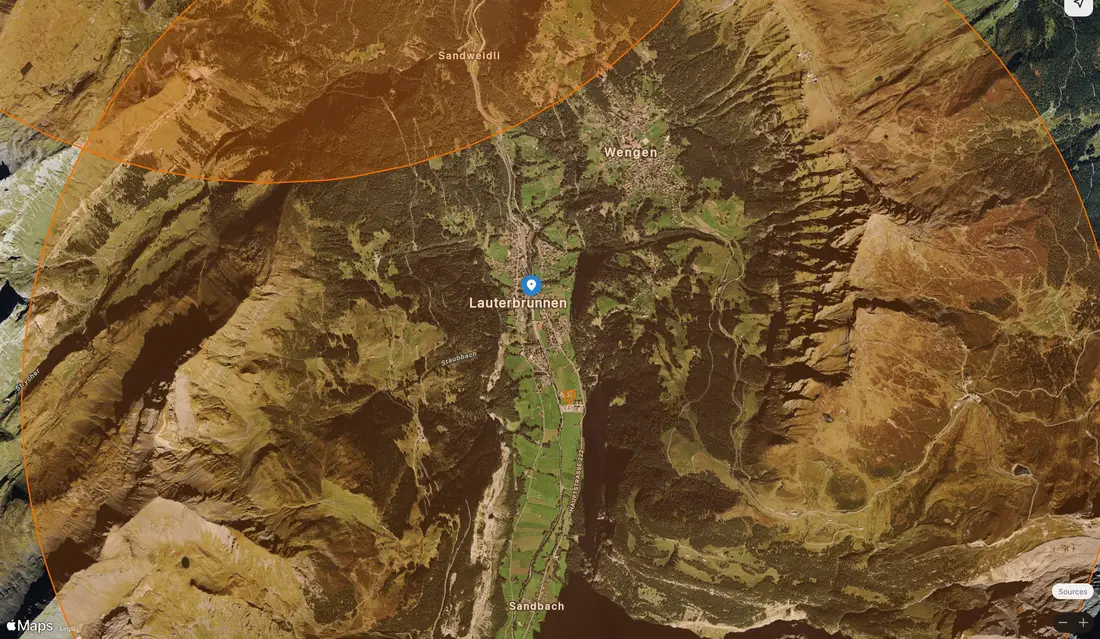
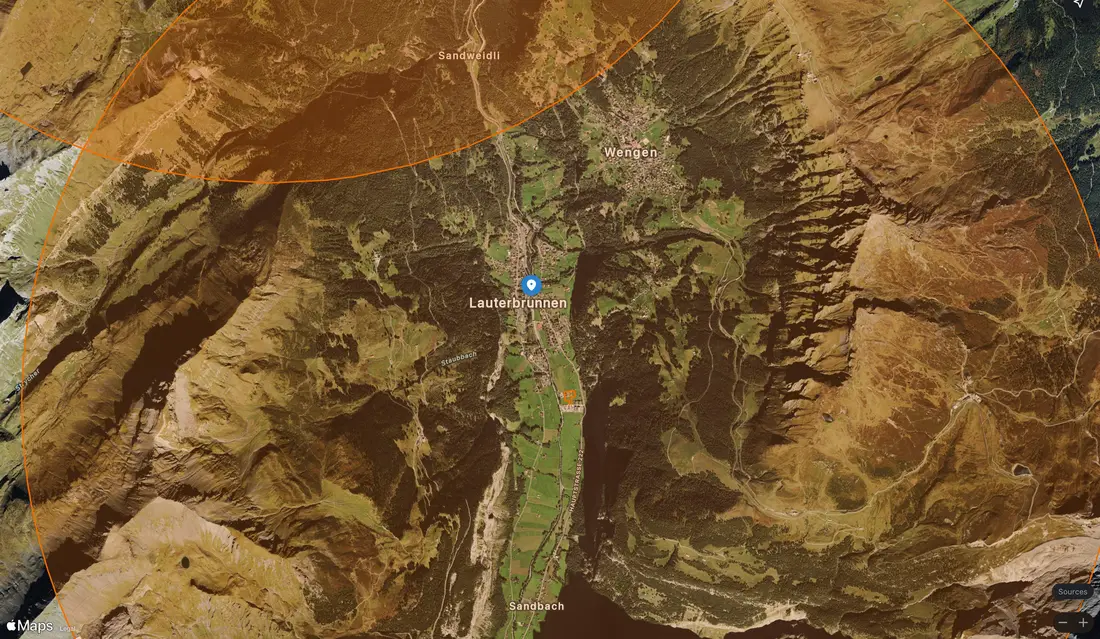
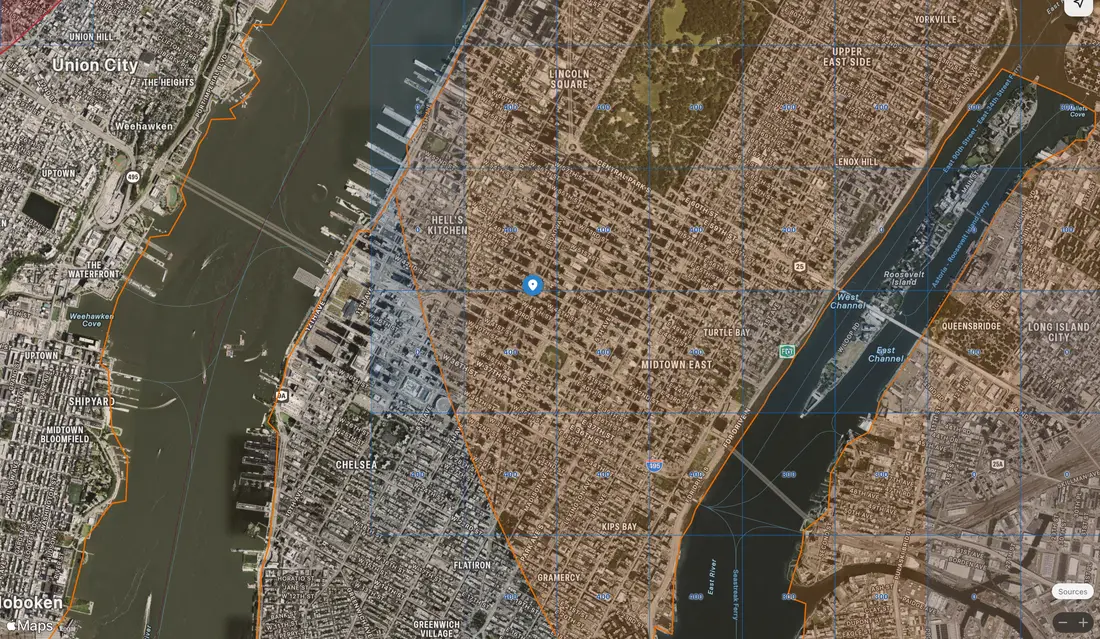
Map of the spot
Does it work outside the UK?
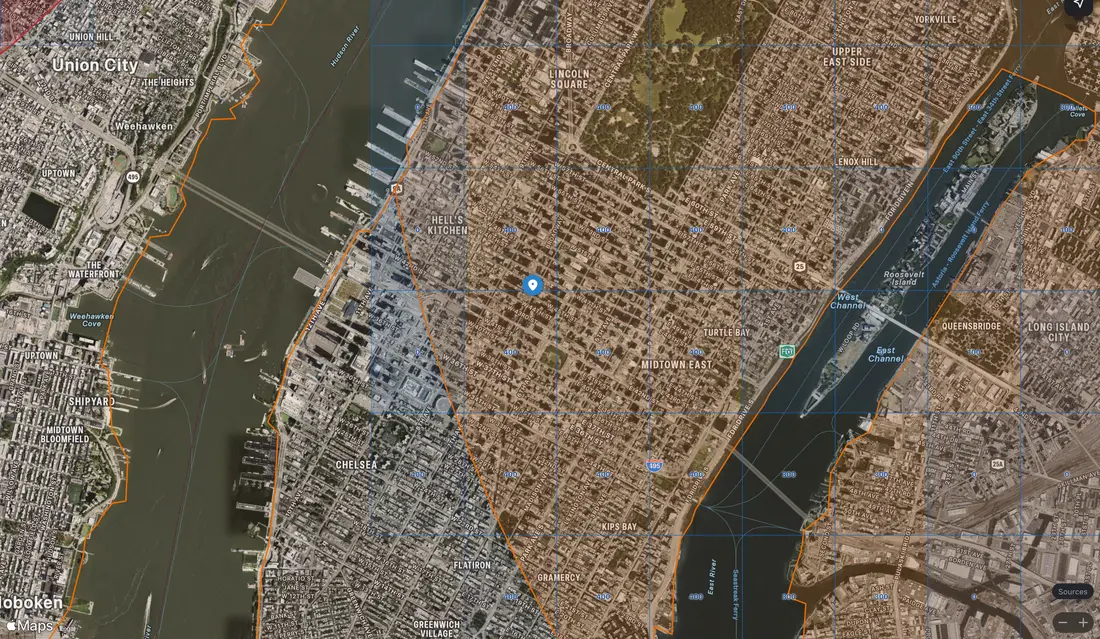
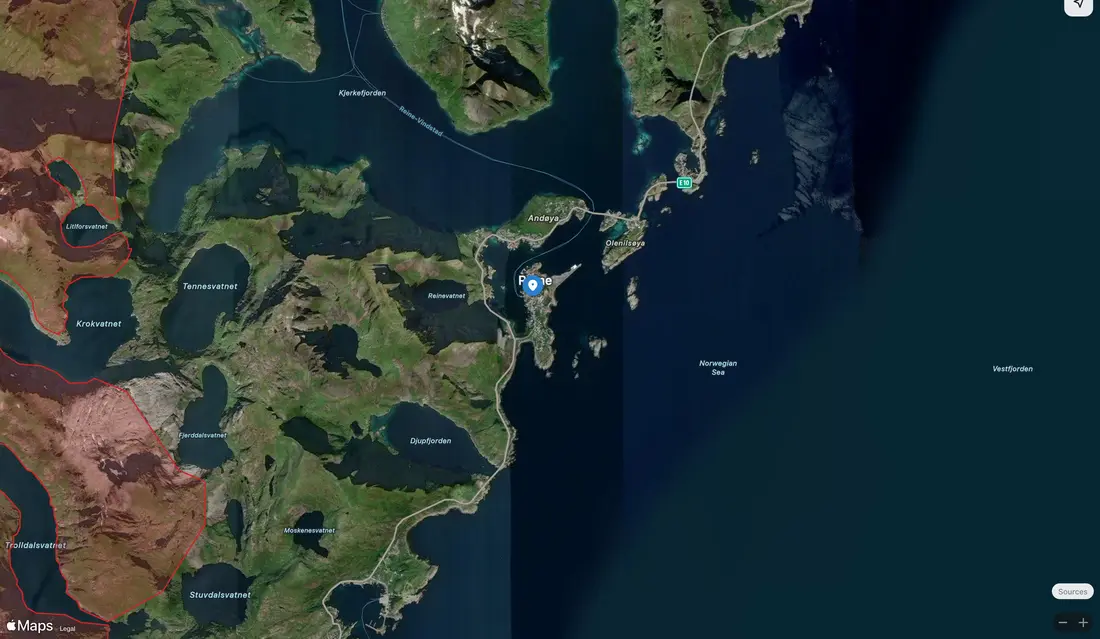
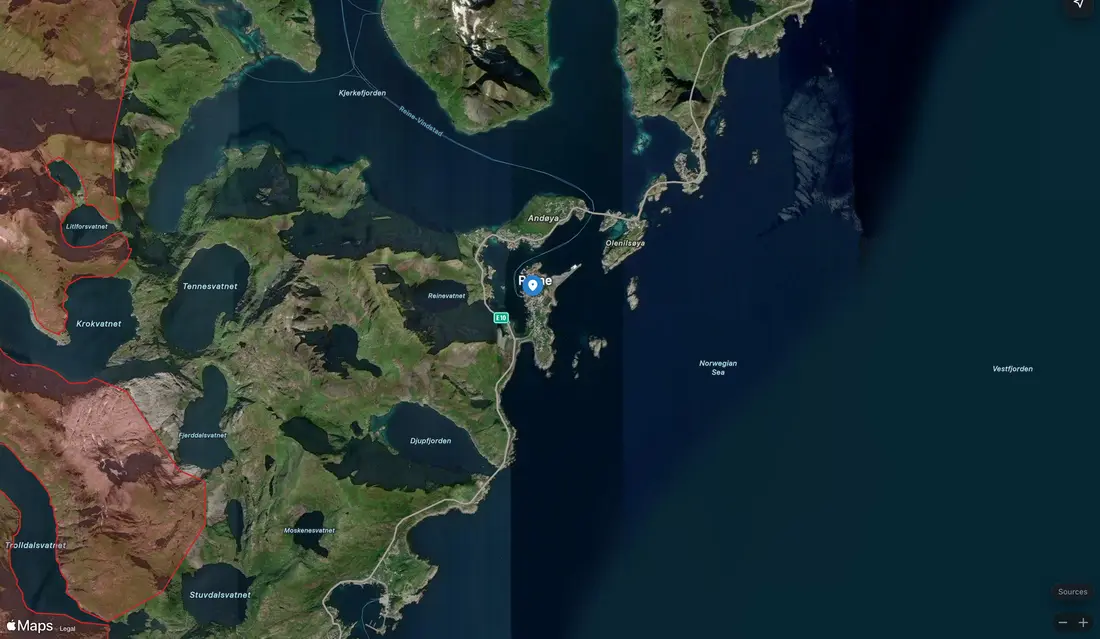
Everything on this page works in the UK. In the United States, France, Switzerland, Liechtenstein, Norway, Sweden, Finland, Denmark and Luxembourg, FPV Airspace has every drone zone the country publishes as open data. In some other countries it has part of the rules, such as aerodrome distances, protected areas or built-up districts, and says which. Where it has nothing yet, it says so.
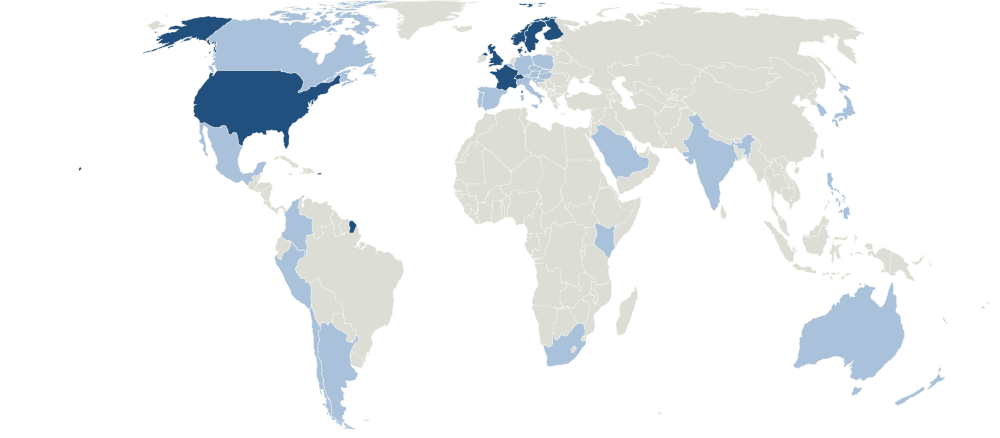
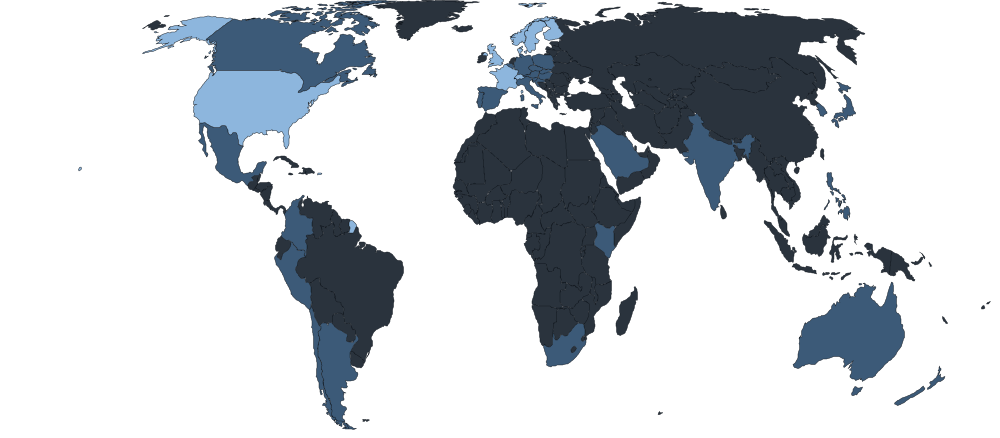
- Every published drone zone
- Some rules only
- Not covered yet
We update the data constantly: temporary restrictions every ten minutes, range firing notices every three hours, and the drone zones with each new release, adding countries as they publish open data.
£2.49 a month after a free week
| Plan | Price |
|---|---|
| Monthly | £2.49 a month |
| Annual | £19.99 a yearSave 33% |
Both plans include the apps on iPhone, iPad, Mac and Android, the web map and planner, your AI assistant and every country we cover. Subscribe once, where you'll use it most, and sign in with the same account everywhere else.
Subscribe in the app on a phone or tablet
Get FPV Airspace from the App Store or Google Play and start your free week there. To use the web map as well, choose Sign in on this site and approve it in the app under Settings, Your account, Sign in elsewhere.
Search for FPV Airspace in the App Store or Google Play.
Subscribe here if you only use a computer
You can use the web map and your AI assistant without the app. Start your free week here with a card; nothing is charged until the week ends, and you can cancel any time before then. If you get the app later, sign in with this account instead of subscribing again.
Cancel any time, in the place you subscribed: your Apple Account settings, Google Play, or your account page here.
FPV Airspace helps you plan. It isn't an official pre-flight briefing. Before every flight, check the official sources, the NOTAMs in force and the rules for the land you take off from, and fly within your drone's rules.
No adverts and no analytics. The places you look up are used to answer you and aren't stored with your account. Privacy policy.
Built from official and open data. Sources and licences.
Made in the UK by Fetch Labs, a small independent company. We're not affiliated with any aviation authority, NATS or DJI.